Orchestrate
Through this step Dalgo enables you to automate your data pipeline by setting up scheduled ingestion and transformation.
- Select orchestrate on the left menu panel. You will see a list of your existing pipelines with their schedule, status, last run details, and results.
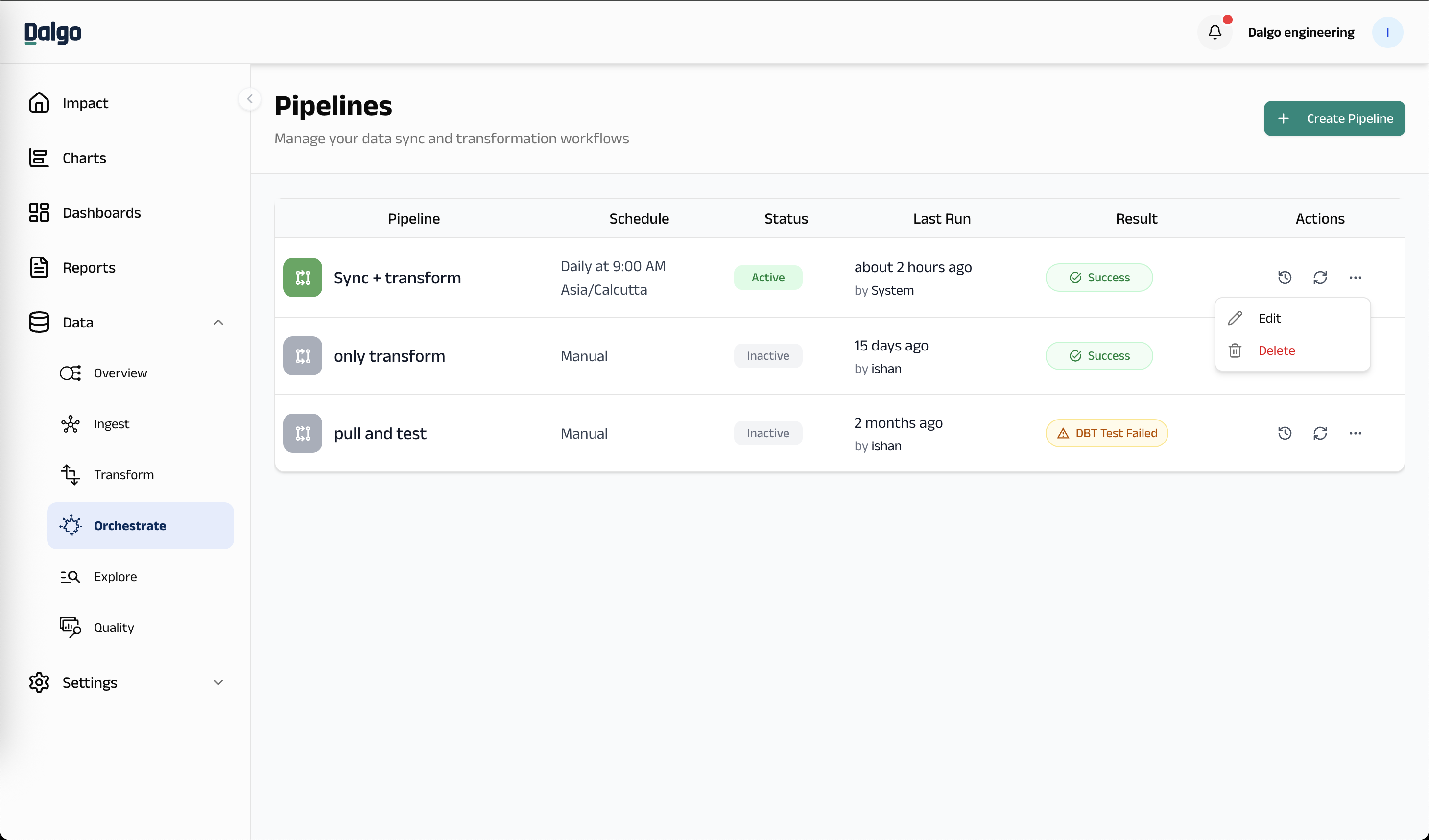
- Select "+ Create Pipeline" - This will take you to the "Create Pipeline" screen.
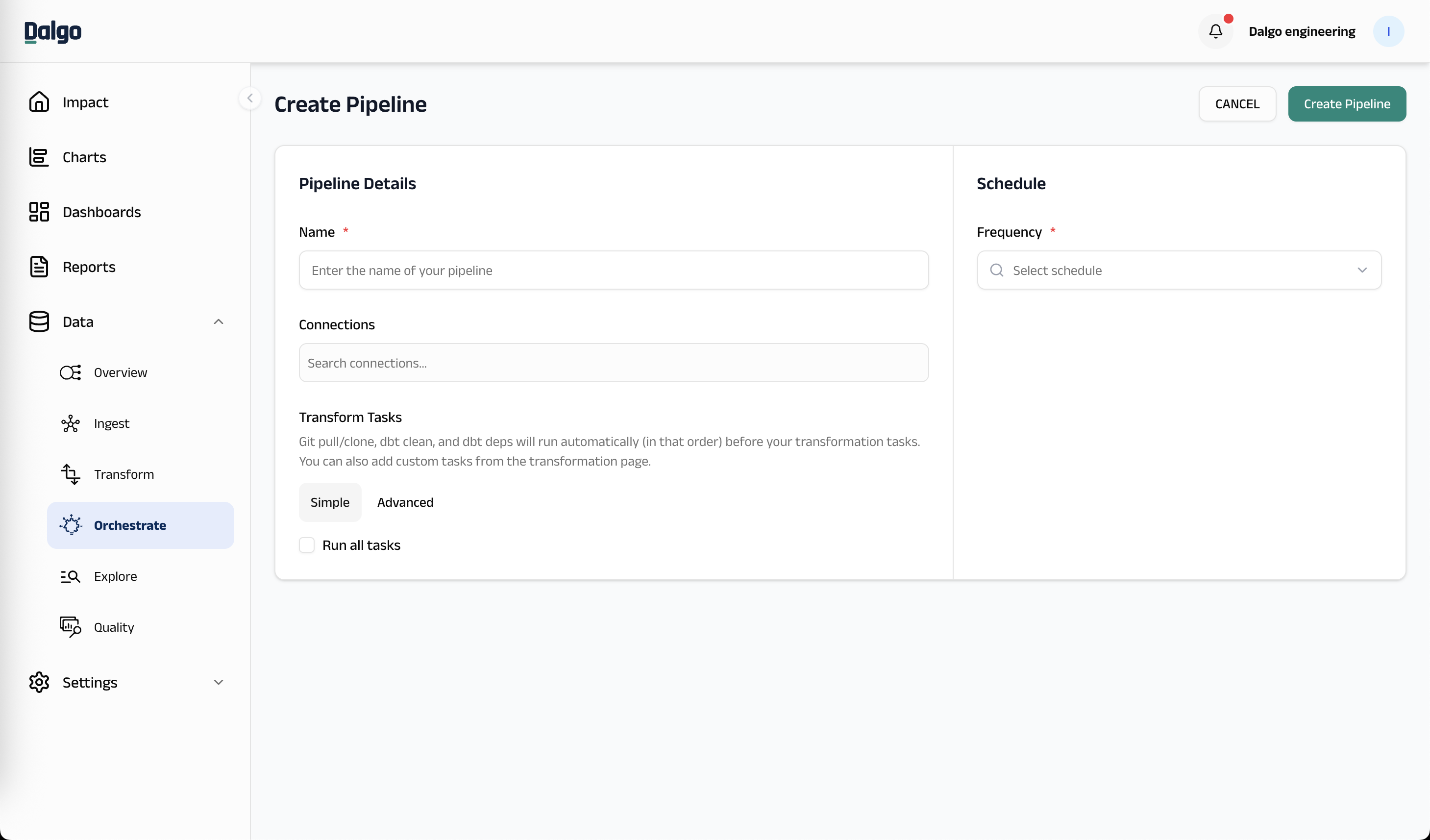
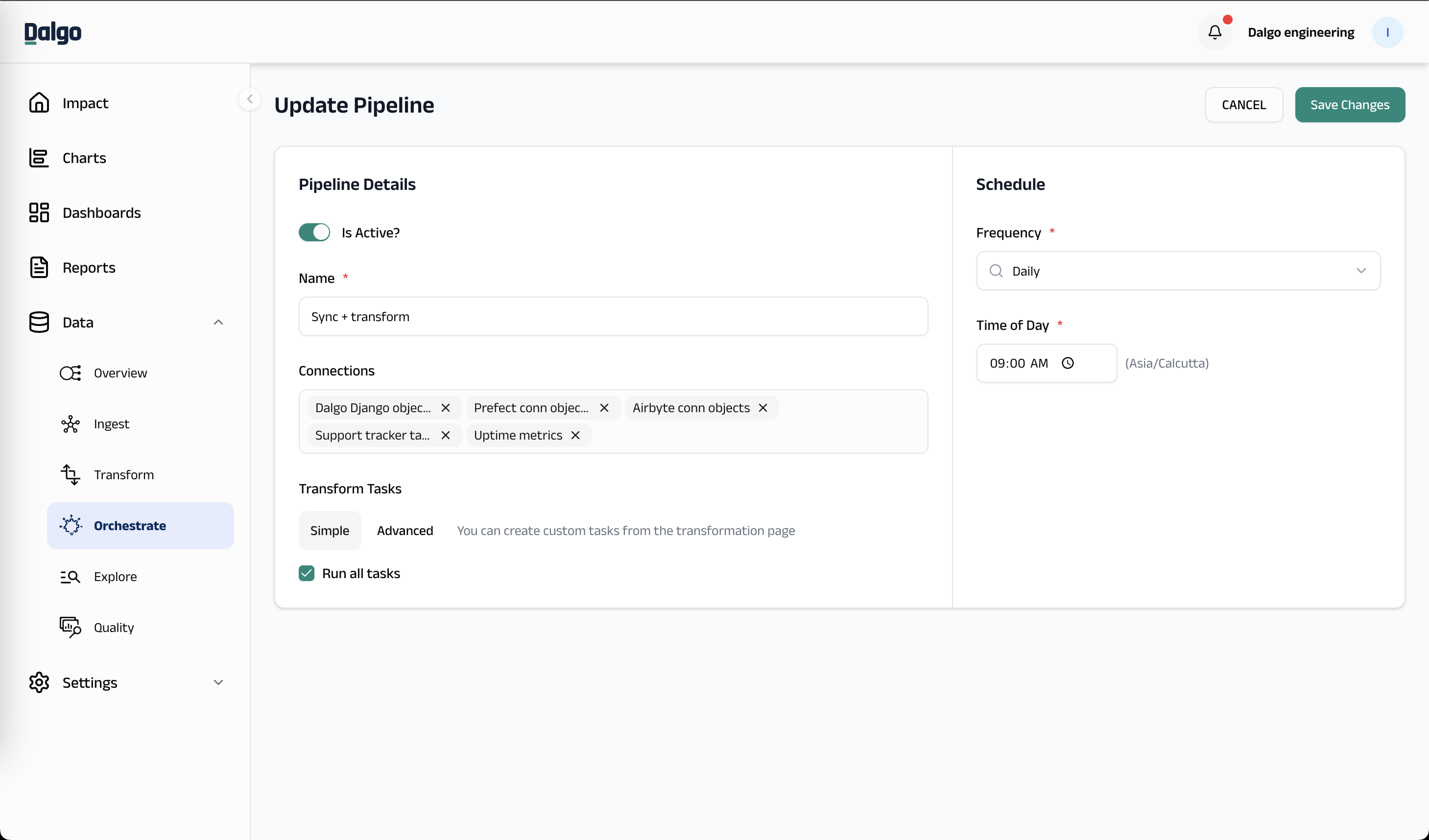
- Give your pipeline a name.
- Select one or more of the connections you have set up.
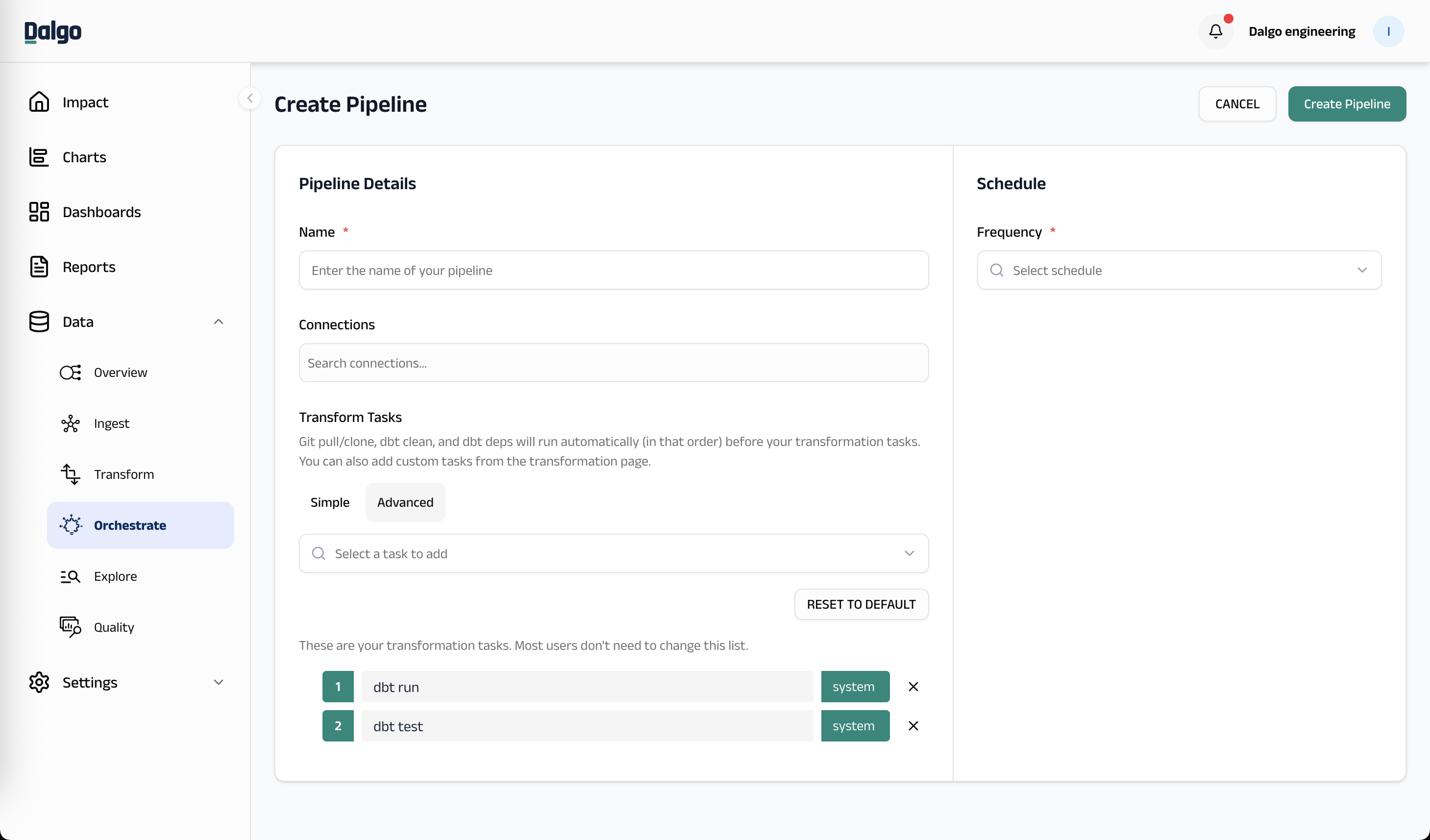
- Configure your Transform Tasks. You can choose between Simple and Advanced mode:
- Simple: Check "Run all tasks" to run all default transformation tasks.
- Advanced: Select specific transformation tasks to include in your pipeline. You can also add custom tasks created from the transformation page.
info
The following tasks are automatically added (in this order) before your transformation tasks and do not need to be configured manually:
- Git pull/clone — pulls the latest code from the default branch of your git repository.
- dbt clean — removes compiled dbt artifacts.
- dbt deps — installs dbt package dependencies.
These tasks are not shown in the pipeline transform task dropdown.
-
Set the schedule for your pipeline and click "Create Pipeline".
-
You can edit an existing pipeline by clicking the three-dot menu on a pipeline row and selecting "Edit".
-
You can test your pipeline by clicking the run icon on the pipeline row.
-
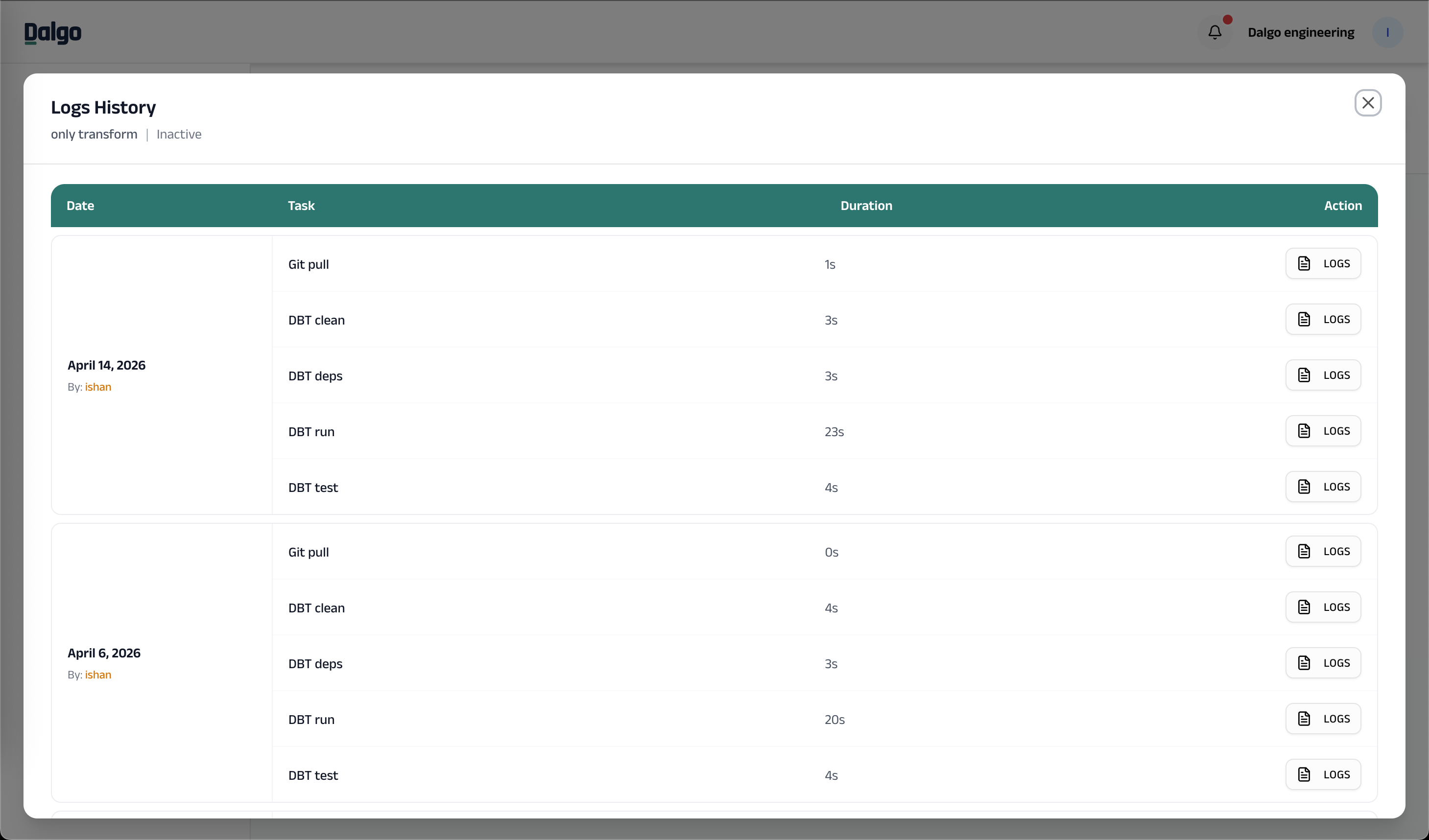
You can view the logs history of your past runs by clicking the history icon. This shows each task's duration and lets you view detailed logs.