Setting up your account
You'll receive an email invitation from notifications@dalgo.org. This page walks you through accepting it and logging in for the first time.
Steps
- Open the invitation email from notifications@dalgo.org.
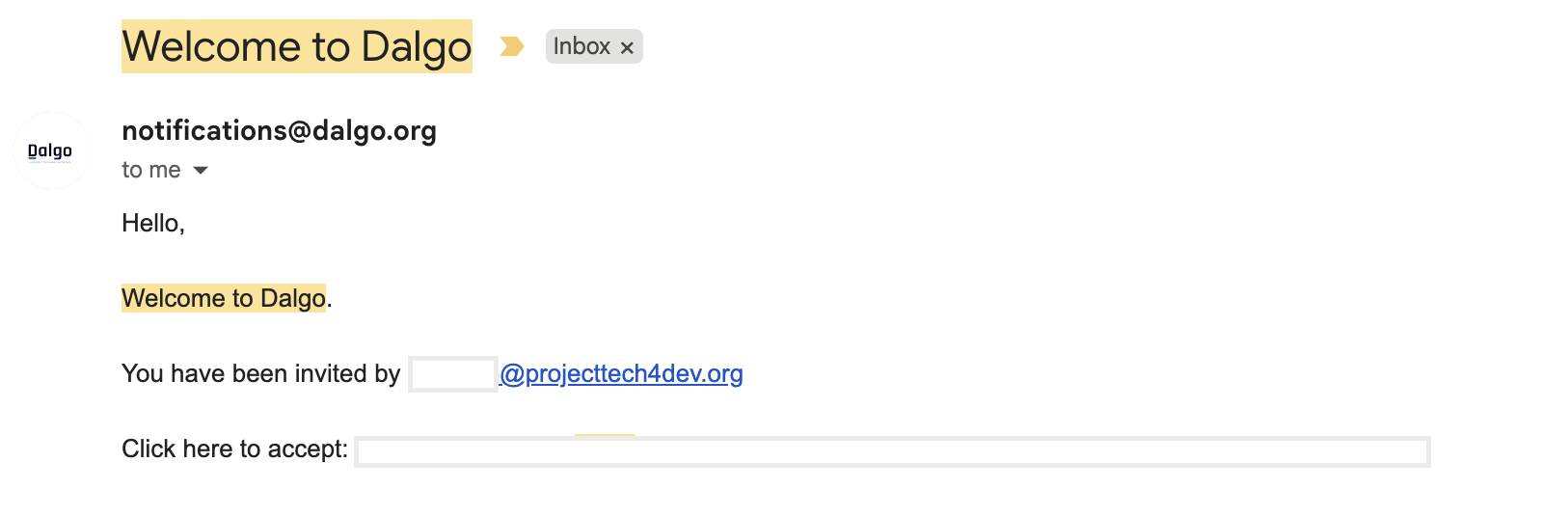
- Select the link in the email. Your browser will open the Dalgo platform.
- Enter a password and confirm it. Select Accept Invitation.
- You are now logged in and will land on your Impact at a Glance home screen.
note
If you don't see the invitation email, check your spam folder. If it still isn't there, ask the person who set up your Dalgo workspace to resend the invitation from Settings → User Management.
→ Next: Your home: Impact at a Glance