Your home: Impact at a Glance
When you log in, Dalgo drops you on the Impact at a Glance screen — your personal home screen showing the dashboard your team has chosen as the default view.
What you'll see
If a default dashboard has been configured, it loads here automatically.
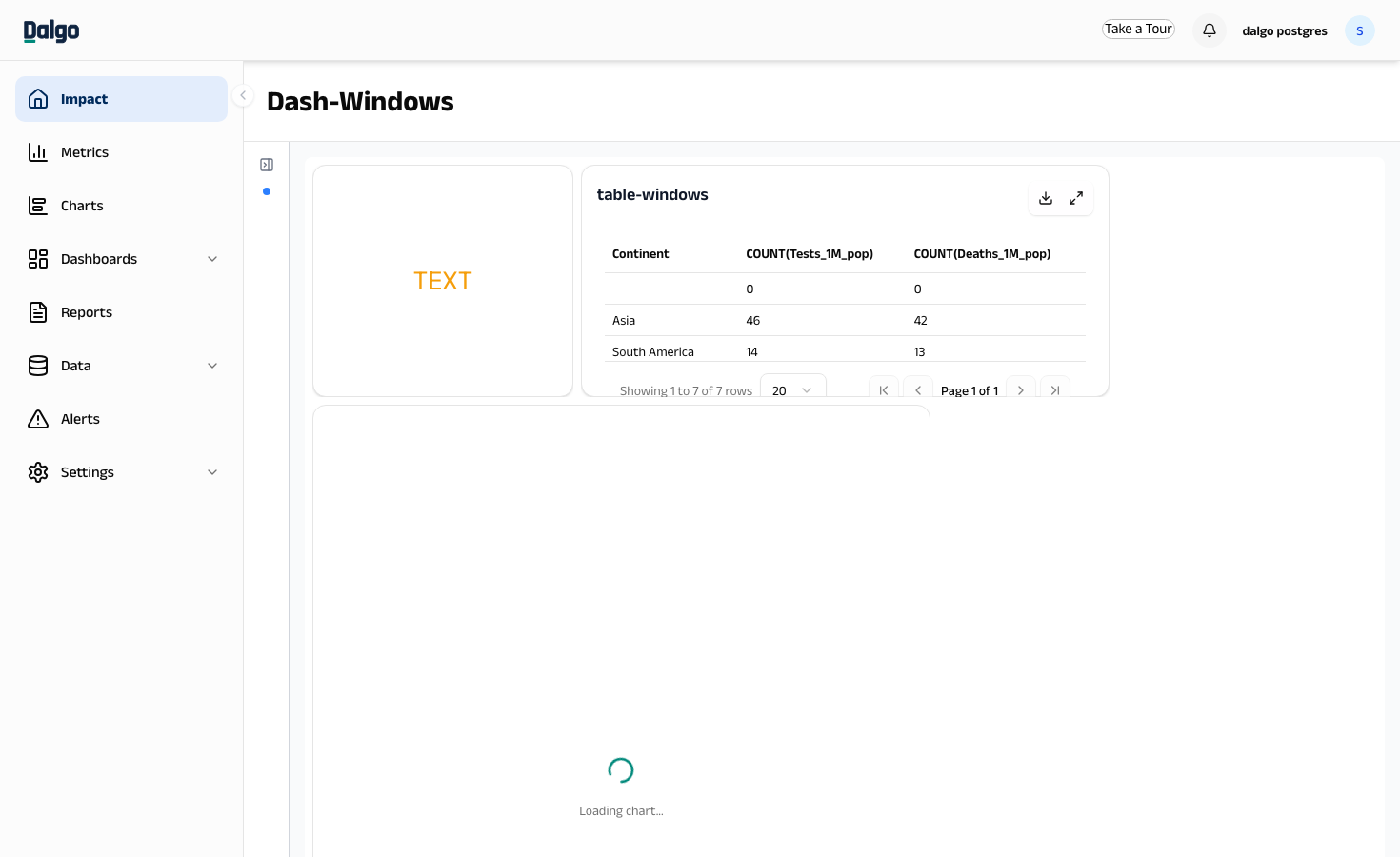 You can read charts, apply filters, and explore data just as you would inside the Dashboards section.
If no default dashboard is set yet, you'll see two options:
- Choose a dashboard — pick an existing dashboard to display here
- Create new dashboard — build a new one from scratch
Setting your landing page
You can change which dashboard appears here at any time.
- Select Dashboards in the left menu.
- Open the dashboard you want to use as your home screen.
- Select Set as my landing page from the dashboard menu (top-right).
The next time you log in, that dashboard will appear on the Impact screen automatically.
info
Each user sets their own landing page. Changing yours doesn't affect what other team members see.
→ Next: Viewing your first dashboard
→ Reference: Impact